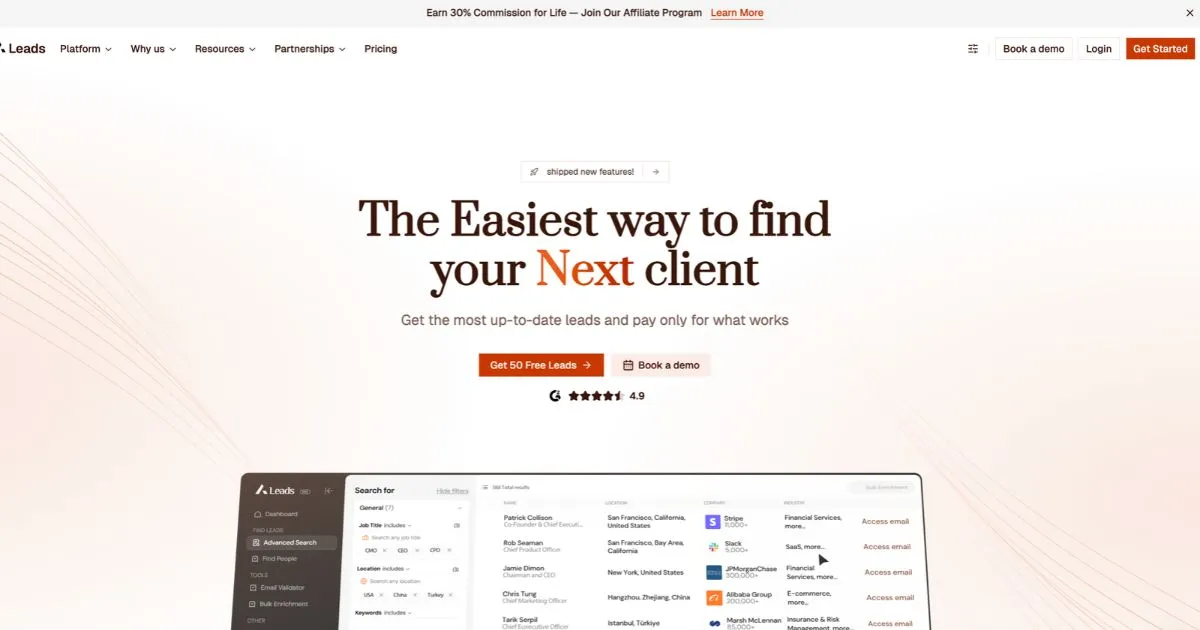
A-Leads is a B2B prospecting platform for finding companies and contacts, verifying emails and phone numbers, and enriching lead lists. Here’s a list of its publicly documented features, from search filters to bulk exports and API tools. Availability and limits vary by plan. Pay only for validated data
Feature accuracy note: We compiled this list from A-Leads’ public documentation. Some features may have changed, may be described without their full context, or may only be available on certain plans. Before signing up or relying on a specific feature, confirm its availability and how it works directly with A-Leads.
A-Leads Features
People and company search
| Category | Features |
|---|---|
| Contact search | People search, advanced search, AI-assisted search, and quick-view contact profiles |
| Company search | Company search, domain search, bulk company search, similar-company search, and AI lookalike discovery |
| Role filters | Job title, seniority, department, management level, and current employment status |
| Job title matching | Multiple match modes, multilingual title matching, and bulk-paste input |
| Location filters | Country, state, city, and region |
| Company filters | Industry, sub-industry, employee count, annual revenue, and keywords in company names or descriptions |
| Funding filters | Funding round, total capital raised, and investors |
| Hiring filters | Job postings, hiring activity, and department headcount growth |
| Technology filters | Technologies and software used by companies |
| Company website filters | Published pricing, free trial, demo, downloadable product, mobile app, and online reviews |
| Additional company filters | Certifications, news coverage, and employee review scores |
| Search controls | Include and exclude filters, CSV-based company inclusion and exclusion, previously fetched records filter, saved searches, and saved-search sharing |
https://support.a-leads.co/articles/how-filtering-works/
Contact data, verification, and enrichment
- Work email finder by name and company domain
- Work email lookup from a LinkedIn profile URL
- Personal email lookup and enrichment controls
- Standalone mobile and direct-dial number finder
- Real-time email and phone verification
- Three-stage email verification and catch-all email checks
- Single-email verification and bulk email verification from CSV
- Verification exports grouped by result, including valid, catch-all, and risky addresses
- On-demand contact and company enrichment
- Bulk CSV enrichment for emails and mobile numbers
- Enriched fields for job titles, company details, and LinkedIn profiles
- Multiple email addresses displayed for a contact when available
- Live enrichment progress, completion notifications, and email alerts for file uploads
Buying signals and AI tools
- Buying intent signals and intent-based filtering
- Job-change alerts for events such as new hires and promotions
- Alerts when companies adopt or change technologies
- AI lead scoring, score details, and score-based filters
- AI Power Ups for research
- AI Workbench with spreadsheet-style enrichment and columns powered by multiple AI models
Lead lists, exports, and integrations
- Create and save lead lists
- Track total, net-new, and saved leads
- Add leads to a list while processing is underway
- Download lead lists as CSV for use in Excel or other tools
- Select export fields and map them to CRM fields
- Sync contacts and companies with HubSpot and pull CRM contacts back for enrichment
- Sync HubSpot deal stages, including MQL and SQL
- Send enriched leads to Instantly campaigns, EmailBison sequences, and HeyReach workflows
- Native Clay integration
- Bulk file archiving, ZIP downloads, and export re-downloads
- Chrome extension for capturing and enriching leads from LinkedIn, Sales Navigator, and company websites
https://a-leads.co/integrations/
API and automation
- API access for people search, company search, and data enrichment
- API endpoints for work and personal email lookup, email verification, and phone lookup
- Reverse email lookup API
- Bulk enrichment jobs with webhook notifications on completion
- API endpoints for credit balances and team management
- API dashboard with key management, request logs, usage statistics, and automatic credit top-ups
- Model Context Protocol (MCP) server for compatible AI tools
Team, billing, and account controls
- Multi-seat workspaces, admin roles, and role-based permissions
- Team permissions for saving contacts and accessing files
- Per-seat credit caps and usage breakdowns
- Credit usage dashboard, transaction history, and invoice history
- Credits charged for validated data, with duplicate-charge safeguards
- Unused credit rollover on eligible paid plans
- Monthly and annual billing, self-service plan changes, and payment method updates
- Single sign-on (SSO) on eligible plans